Hand it over once,the AI browser finishes the job
Finding, comparing, pulling things together — Meari opens sites, reads them and clicks through the way a person would. Hand it over and go do something else.
At a glance
What Meari does, all at once
Ask, hand it over, and stay protected — in six pieces.
- Ask modeReads the page you're on and answers on the spot.
- Agent modeClicks and types directly on sessions you're already signed into.
- AutomationWrite it once — Meari handles it from then on.
- SecurityPasswords travel a separate path; risky actions need your approval.
- Persistent sessionNo need to sign in again for every tab.
- Provider freedomBring the AI key you already use.
Three ways
Hand it over. Done.
Automation is the core. The other two follow naturally on top of it.
Automate
“Summarise the morning headlines for me every day”
Hand it over once; one button from then on. Or a set time each day.
Delegate
“Add these to the cart and stop right before checkout”
Clicks and types on the open page to finish it.
Ask
“Summarise this page”
Reads the page you are on and answers.
Same task, clicks
Steps
- 1Read the cart page
- 2Enter the coupon code
- 3Confirm shipping address — awaiting approval
- 4Report the order summary
Session
- Steps
- 7 / 60
- Tokens
- 18.4k
- Approvals
- 1
Approval required
It is about to click the payment button. Continue?
Flows
Write it once. Never again.
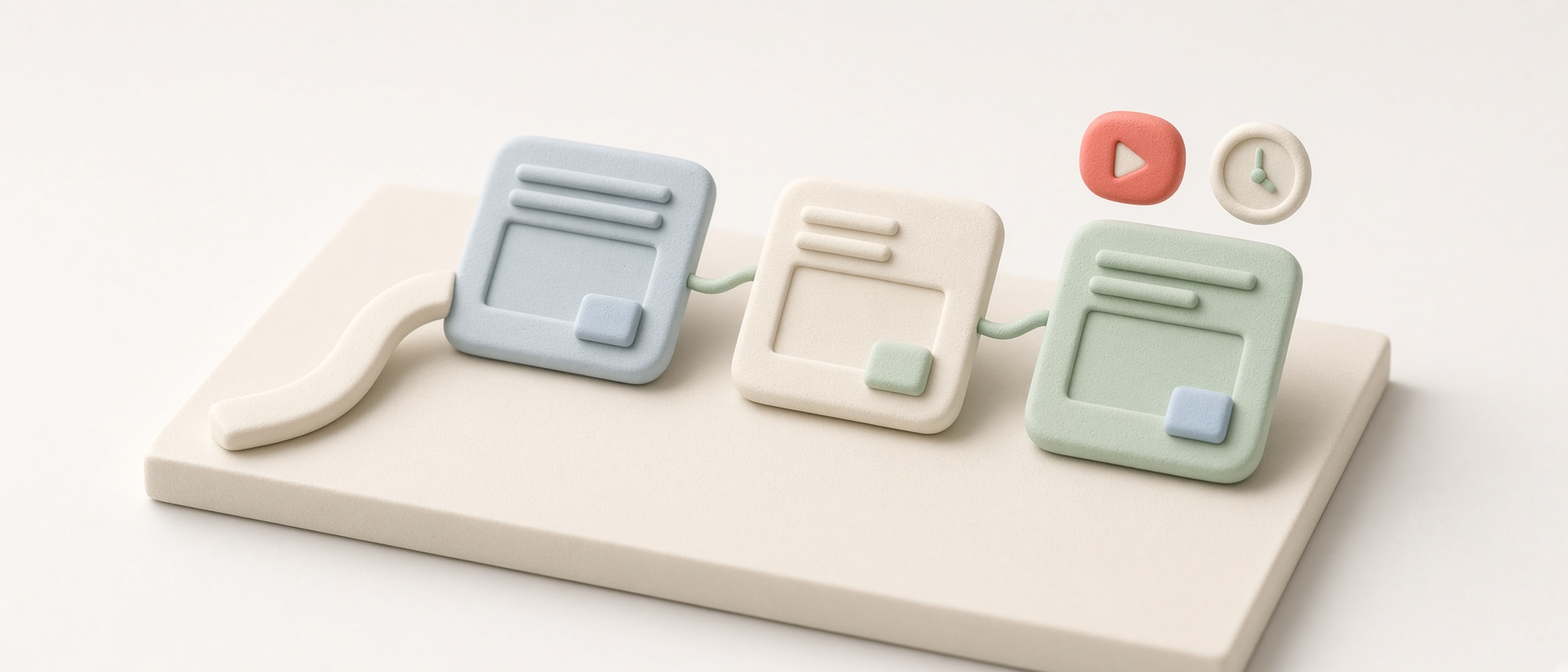
No nodes to wire, no scenario to draw. Write it in one line the way you would say it, and Meari splits it into steps.
- 01
Write one line
“Open Google News and summarise the headlines” is enough. The ordering is handled for you.
- 02
The flow appears
Your sentence is split into steps you can see. Drag to reorder, or edit any step directly.
- 03
One button, done
Run it and Meari works through those steps on sites you are already signed into, and records when it last ran.
Hand it over once and it is one button from then on. It can also run itself at a set time every day.
Morning news digest
RunLast run · today 08:12
Features
A browser first, AI on top of it
The browser you already know, with a layer that can read and operate the screen.
- 01
On sessions you already have
Every tab shares one persistent session. Sign in once and it stays; the agent works on top of that state.
- 02
Element indexing
Instead of clicking coordinates, it hands the model an index of interactive elements. Far more robust across responsive layouts and scrolling.
- 03
Memory across sessions
It remembers the context you reuse. The store is encrypted, and secret-looking values are blocked before they can be written.
- 04
Bookmark groups
A two-pane manager with drag-and-drop ordering and moves. Toggle the bookmarks bar with a keystroke.
- 05
Chrome extensions
Install extensions from the Chrome Web Store. They load at startup and update on a schedule.
- 06
DevTools
The shortcuts you already use, plus right-click Inspect, docked on the right.
- 07
Speak it, hear it back
Dictate into the AI panel on the right and have answers read aloud. Audio stays on your device; only text reaches the AI.
Why you can trust it
Like a person would — only more careful
- No integrationsWorks on sites you are already signed into, the way a person does.
- Asks firstPayment, deletion and sending are confirmed before they run. Banking pages can be set to read-only.
- Stays on this deviceAll data is encrypted on this machine. Passwords never reach the AI.
- Your choice of AIClaude Code on this machine (subscription, no API billing), an Anthropic · OpenAI · Gemini · OpenRouter key, or a local model (Ollama).
AI providers
Keep the model you already use
Pick a provider, paste a key. Choose separate models for agent work and for questions.
| Provider | Auth | Notes |
|---|---|---|
| Claude subscription | None | Runs through Claude Code on this machine — no API billing |
| Anthropic | API key | Prompt caching supported |
| OpenAI | API key | — |
| Google Gemini | API key | OpenAI-compatible endpoint |
| OpenRouter | API key | Model list readable without a key |
| DeepSeek | API key | On the cheap side — deepseek-chat · deepseek-reasoner |
| Kimi (Moonshot) | API key | Strong on long documents — kimi-k2 family |
| Local models | Not needed | Ollama · LM Studio — page content never leaves the device |
| Custom endpoint | URL + key | Anything OpenAI-compatible. The model list comes from that server too |
Not on the list? Any OpenAI-compatible endpoint works — paste the URL and key. Your own server or a self-hosted model included.
Agent work is multi-step judgment, so it favors a stronger model; questions are page summaries, so a cheap one does fine.
Examples
Just pick one
65 automation and 49 conversation examples ship inside the browser.
- Morning news briefToday's news in five minutes
- Inbox triageOnly the mail that needs a reply, as a table
- Prices across shopsThree tabs of comparing, done at once
- Outfit for the weatherNo more morning wardrobe debate
- All parcels, one placeWithout visiting every carrier
- Weekly report draftFriday's draft writes itself
- What's trendingKnow the look in three minutes
- PR review queueDecides what to look at first
Download
Coming to both platforms
Install it, add a provider key, and it works. Public release in October 2026.
Coming October 2026Unsigned builds may trigger a macOS Gatekeeper or Windows SmartScreen warning.
macOS
Apple Silicon · Intel
Windows
x64 · arm64
FAQ
Worth knowing up front
Does my page content leave the machine?
It is sent to the provider you chose. With a local model (Ollama, LM Studio) nothing leaves the device.
Do I have to set up each site?
No. It reads and operates the screen the way a person would, so sites without an API work too.
What if the agent clicks the wrong thing?
Hard-to-undo actions, form submissions and automatic sign-in all pass through an approval dialog first.
Do DRM streaming and every extension work?
DRM playback is not supported, and some extension features such as toolbar popups are limited.
The AI browser that acts for you
A browser you can ask — and hand work to. Public release in October 2026.